
Online Ordering Portal Overview
Sign up
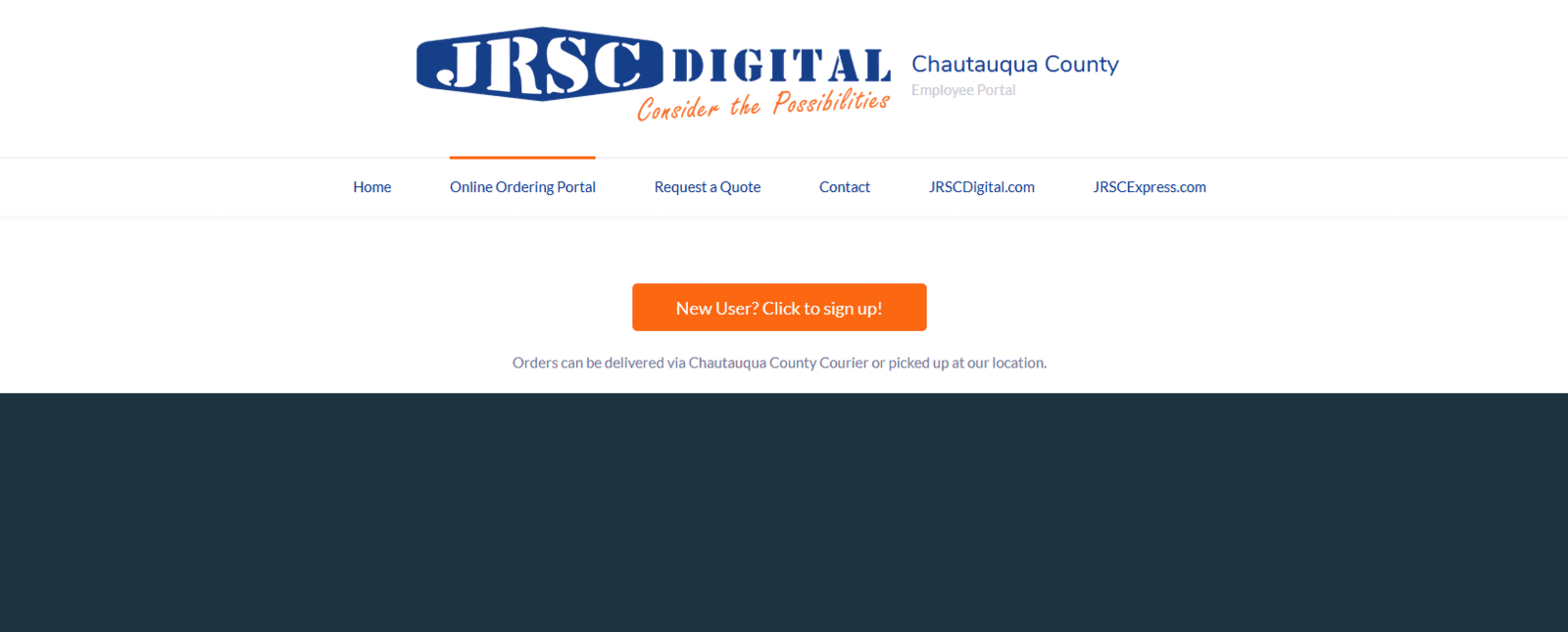
To sign up click the orange New User button at the top of the Online Ordering Portal Page. We will review your request and you will receive an email with your login details.
Login
To login click the Online Ordering Portal link at the top of this page. Log in with the username and password provided by email.

Once you login you will see a dash board like below where you can see all of your transaction counts.

The Blue Bar
The menu along the Blue line lists the different areas you can review in regards to your orders.
This Menu has the following items:
Jobs
Jobs shows the list of jobs, what their current status is and what step they are in.

Transactions
Transactions show the list of Quotes, Sales Orders and Invoices.

And when you choose one of the above list, it will show a list of transactions.

Proofs
Proofs has two sections, Proofs to Review and Approved Proofs. When you choose either option, it will show a list of those proofs that can be reviewed...and also Approved or Commented on if they are in the Review process.

Products
This is where you can place orders online. You will see a series of general products for Chautauqua County as well as department specific products if you have requested those be added to your account. You can choose options for each product and add that product to your cart. When ready to check out click on the cart in the upper right. You will then follow the checkout process where you can decide if you want to pickup your items or have the delivered via Chautauqua County courier.
